







Editing Code
Entering code into the code window is easy. Lets follow the example below which is actually the code for Example One.
|
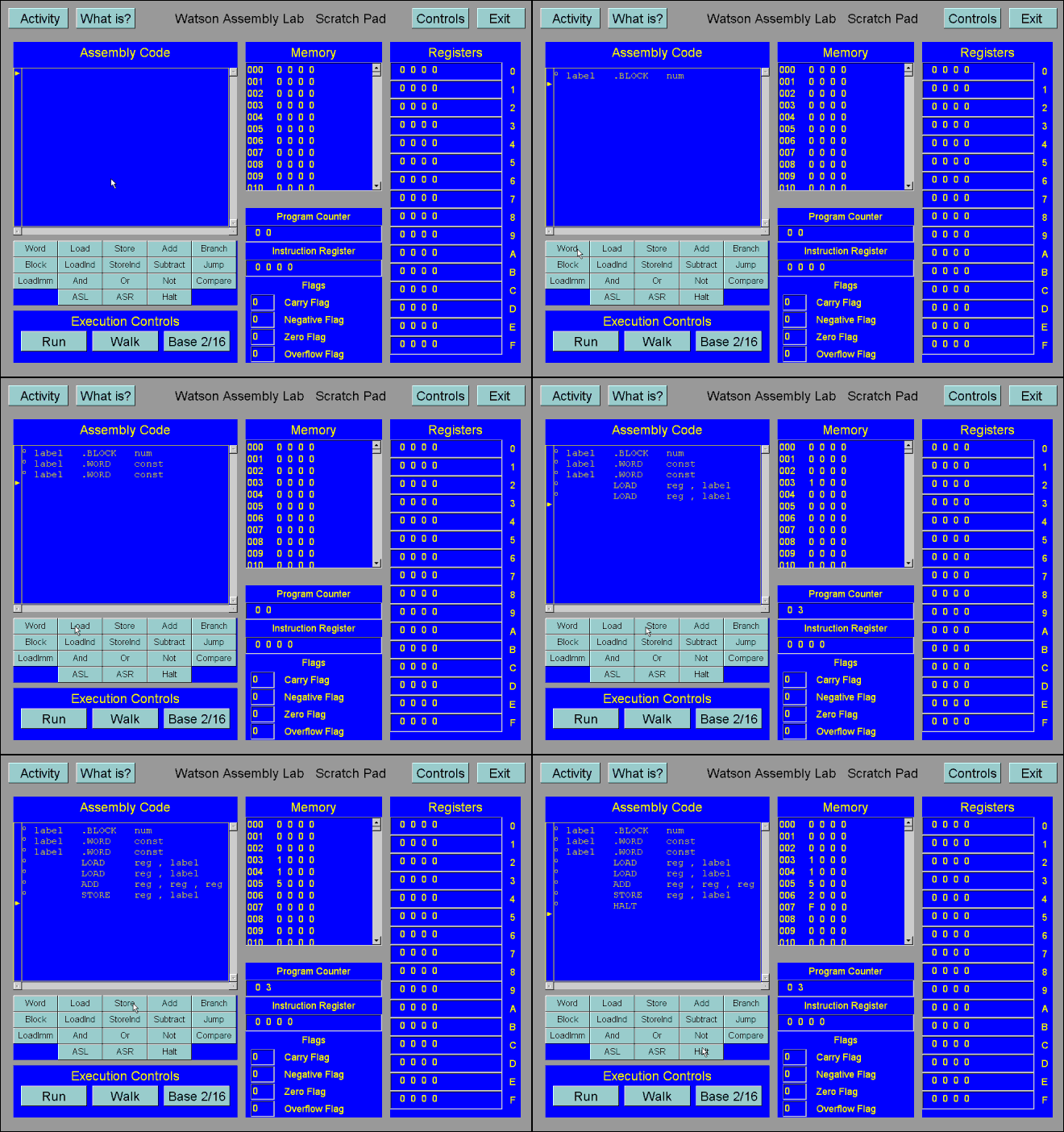
We now have the layout of our code done.
Watson Assembly Tutorial |
|
|
Editing CodeEntering code into the code window is easy. Lets follow the example below which is actually the code for Example One.
We now have the layout of our code done. |
|
|